
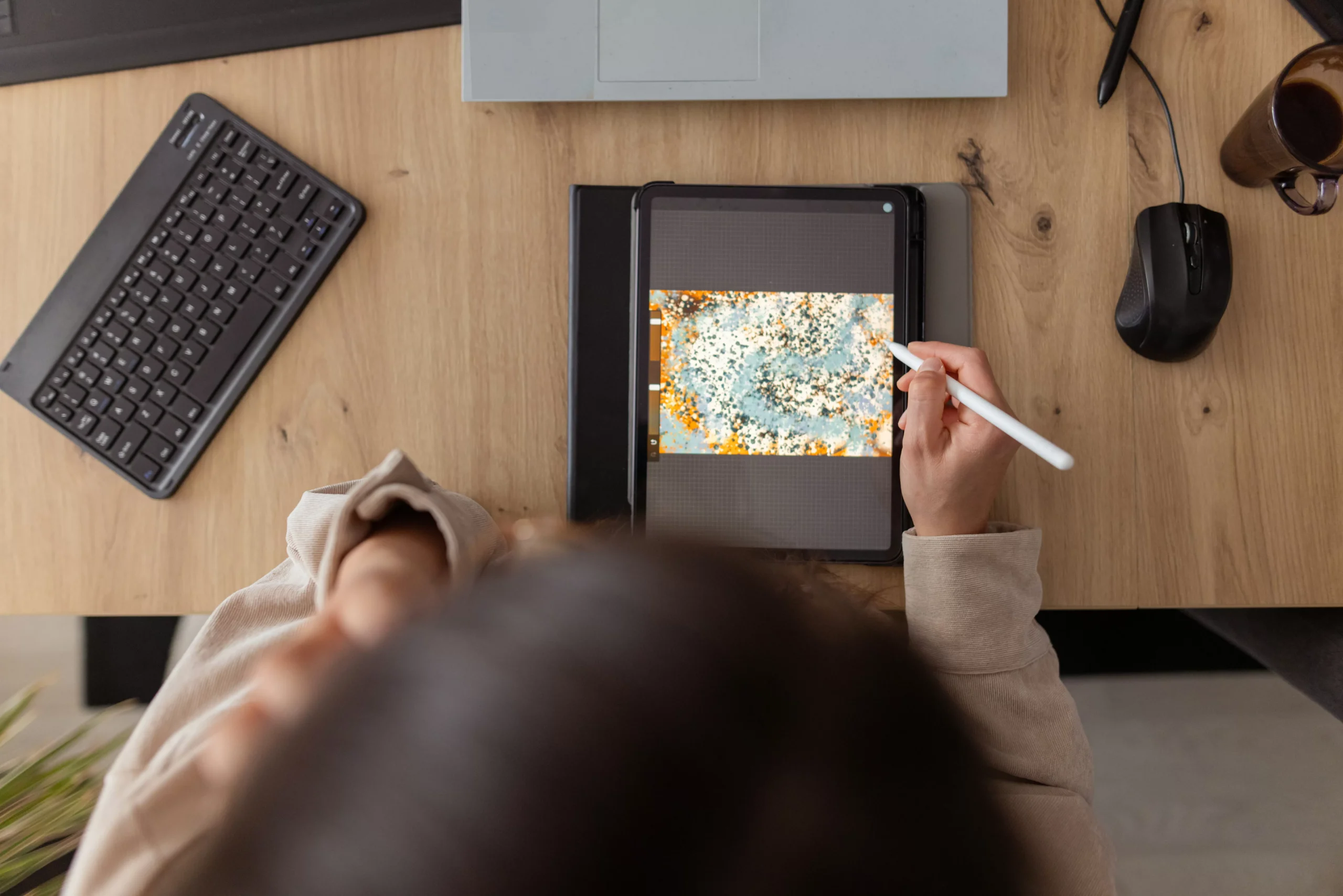
The iPad has become a powerful tool for creativity, with its sleek design and user-friendly interface. With the App Store offering a wide range of apps, it can be overwhelming to choose the best ones for unleashing your creative potential. That’s why we’ve compiled a list of some of the best iPad apps for creativity that are available on the App Store. These apps are sure to inspire and enhance your creative skills, whether you’re an artist, designer, writer, or simply looking to explore your creative side.
Procreate
Procreate is a must-have app for any artist or designer. It offers a wide range of tools and features that allow you to create stunning digital art. With its intuitive interface and powerful brush engine, you can create anything from illustrations to digital paintings. The app also offers a variety of customizable brushes, layers, and blending modes, giving you complete control over your artwork. Procreate also supports Apple Pencil, making it a perfect choice for those who prefer to draw and paint with a stylus.
Adobe Photoshop
Adobe Photoshop is a household name when it comes to digital art and design. The iPad version of this popular software offers all the essential features of the desktop version, making it a powerful tool for creating and editing images. With its touch-friendly interface and Apple Pencil support, you can easily manipulate and enhance your photos on the go. The app also offers a variety of filters, effects, and tools to help you take your creativity to the next level.
Affinity Designer
Affinity Designer is a professional-grade vector graphics app that is perfect for creating logos, illustrations, and other vector-based artwork. With its powerful tools and features, you can easily create complex designs with precision and ease. The app also offers a customizable interface and support for Apple Pencil, making it a favorite among graphic designers and artists. Affinity Designer also allows you to seamlessly switch between your iPad and desktop, so you can work on your projects wherever you go.
Procreate Pocket
Procreate Pocket is the smaller version of Procreate, designed specifically for the iPhone. However, it is also compatible with the iPad, making it a great choice for those who prefer to use their phone for creative work. The app offers all the essential features of Procreate, including a wide range of brushes, layers, and blending modes. It also supports Apple Pencil, making it a powerful tool for creating digital art on the go.
Tayasui Sketches
Tayasui Sketches is a simple yet powerful drawing app that is perfect for beginners and professionals alike. With its easy-to-use interface and a variety of tools and brushes, you can create beautiful sketches and illustrations in no time. The app also offers a unique feature called “watercolor mode,” which simulates the effect of painting with watercolors. Tayasui Sketches also supports Apple Pencil, making it a great choice for those who prefer to draw with a stylus.
Procreate Animation Assist
Procreate Animation Assist is a powerful animation app that allows you to bring your illustrations to life. With its intuitive interface and a variety of tools and features, you can easily create frame-by-frame animations on your iPad. The app also offers onion skinning, which allows you to see the previous and next frames, making it easier to create smooth and fluid animations. Procreate Animation Assist also supports Apple Pencil, making it a great choice for animators and illustrators.
Canva
Canva is a popular graphic design app that offers a wide range of templates, fonts, and graphics to help you create stunning designs. With its drag-and-drop interface, you can easily create social media graphics, posters, invitations, and more. The app also offers a variety of filters and effects to enhance your designs. Canva also offers a collaboration feature, allowing you to work on projects with your team in real-time.
Notability
Notability is a note-taking app that offers a variety of tools and features to help you organize your thoughts and ideas. With its handwriting recognition feature, you can easily convert your handwritten notes into text. The app also offers the ability to record audio while taking notes, making it perfect for students and professionals. Notability also supports Apple Pencil, making it a great choice for those who prefer to take notes by hand.
In conclusion, these are some of the best iPad apps for creativity that are available on the App Store. Each app offers a unique set of tools and features to help you unleash

