
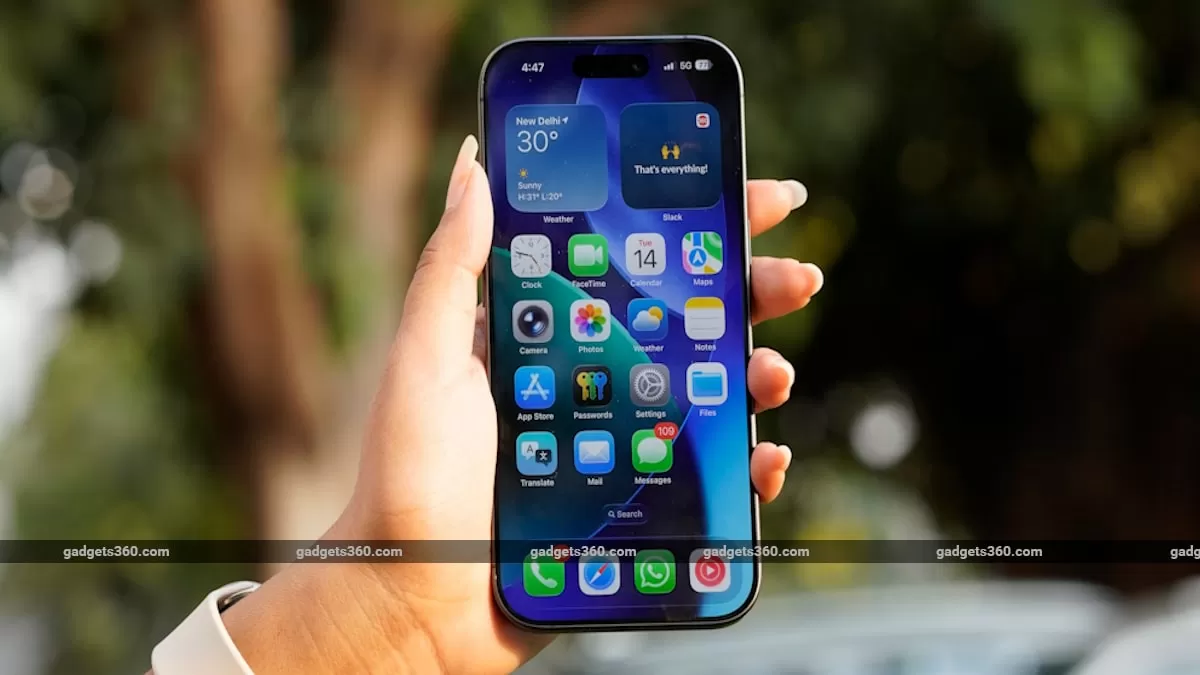
Apple has always been at the forefront of innovation and technology, constantly pushing the boundaries of what is possible with our smartphones. One of their latest features, Live Photos, has been a game-changer in the world of photography. It allows us to capture a moment in a more dynamic and immersive way, by recording a short video along with the still photo. And now, Apple has taken it a step further by allowing us to save Live Photos as videos on our iPhones.
But why would we want to save Live Photos as videos, you may ask? Well, there are actually several reasons why this feature can be useful and beneficial for iPhone users. Let’s take a closer look at why you might want to consider saving your Live Photos as videos.
First and foremost, Live Photos take up more space on your iPhone than a regular still photo. This is because it records a short 1.5-second-long video along with the photo. While this may not seem like a lot, over time, these Live Photos can add up and take up a significant amount of storage on your device. By saving them as videos, you can free up some space on your iPhone and have more room for other important files and apps.
Moreover, not all platforms and devices support Live Photos. This means that if you want to share your Live Photos with someone who doesn’t have an iPhone or a device that supports this feature, they won’t be able to view it in its full glory. By saving your Live Photos as videos, you can easily share them with anyone, regardless of the device they are using. This makes it much more convenient and hassle-free to share your memories with friends and family.
Another advantage of saving Live Photos as videos is that you can combine multiple Live Photos into a single video. This is a great way to create a compilation of your favorite moments and relive them in a more dynamic and engaging way. You can also add music and other effects to make your video even more special and personalized. This feature is especially useful for special occasions like birthdays, weddings, or vacations, where you have a lot of Live Photos that you want to preserve and cherish.
Furthermore, saving Live Photos as videos allows you to edit and enhance them in ways that are not possible with Live Photos. You can use various video editing apps to add filters, crop, or adjust the lighting and colors of your Live Photos. This gives you more creative control and allows you to make your videos look even more stunning and professional.
Lastly, saving Live Photos as videos is a great way to future-proof your memories. As technology advances, there is always a risk that certain file formats or features may become obsolete. By saving your Live Photos as videos, you can ensure that your memories will always be accessible and viewable, regardless of any changes in technology.
In conclusion, Apple’s decision to allow us to save Live Photos as videos on our iPhones is a welcome addition to their already impressive lineup of features. It not only helps us save space on our devices but also makes it easier to share our memories with others and gives us more creative control over our Live Photos. So, the next time you capture a Live Photo, consider saving it as a video and see the difference it makes.

